
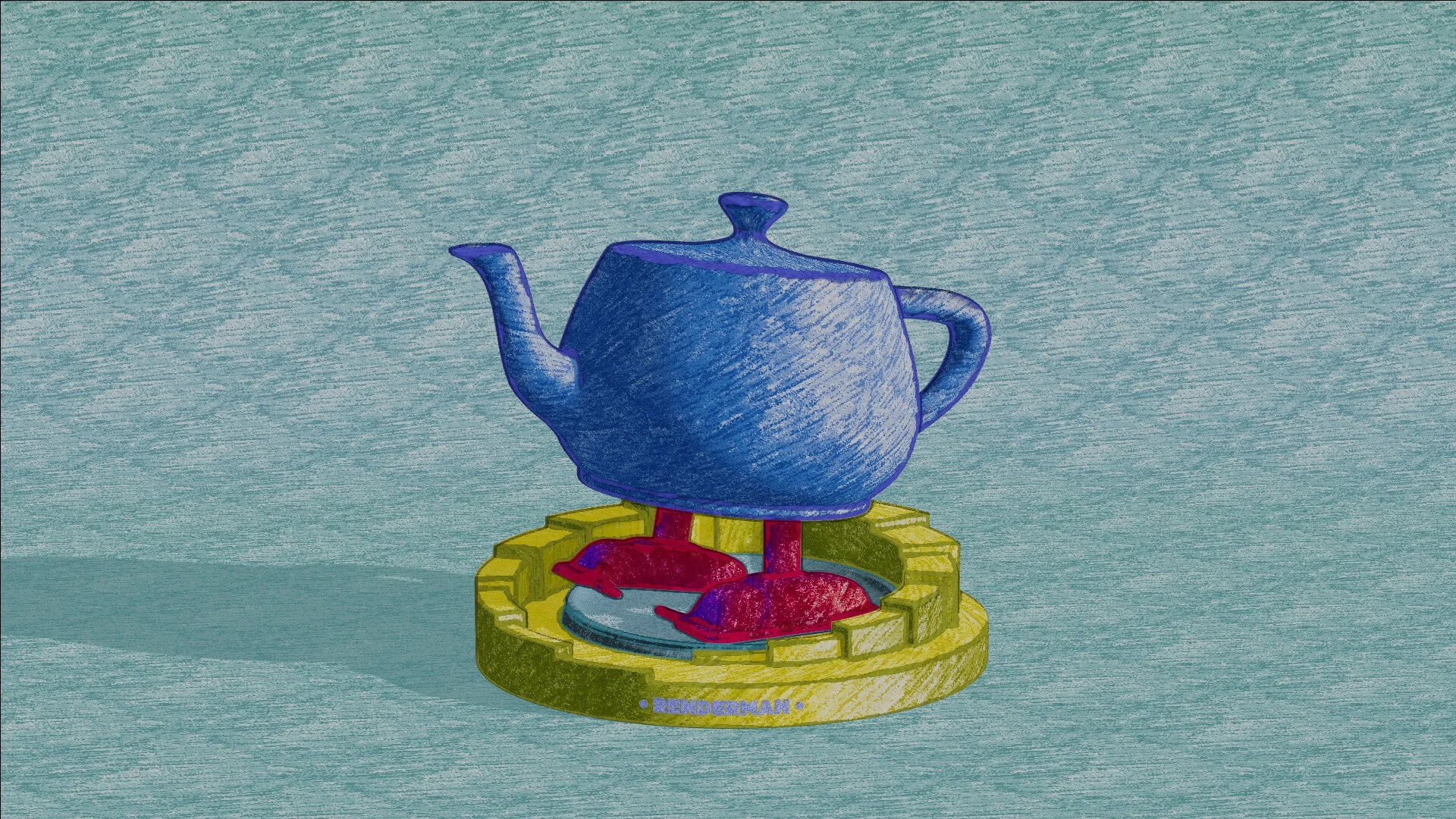
Colorful Crayon
RenderMan Stylized Looks Presets | Crayon
This style captures the playful, textured look of a crayon drawing, inviting experimentation with its bold, saturated colors, visible waxiness, and the characteristic layering and blending associated with crayons.
1. Scene Setup
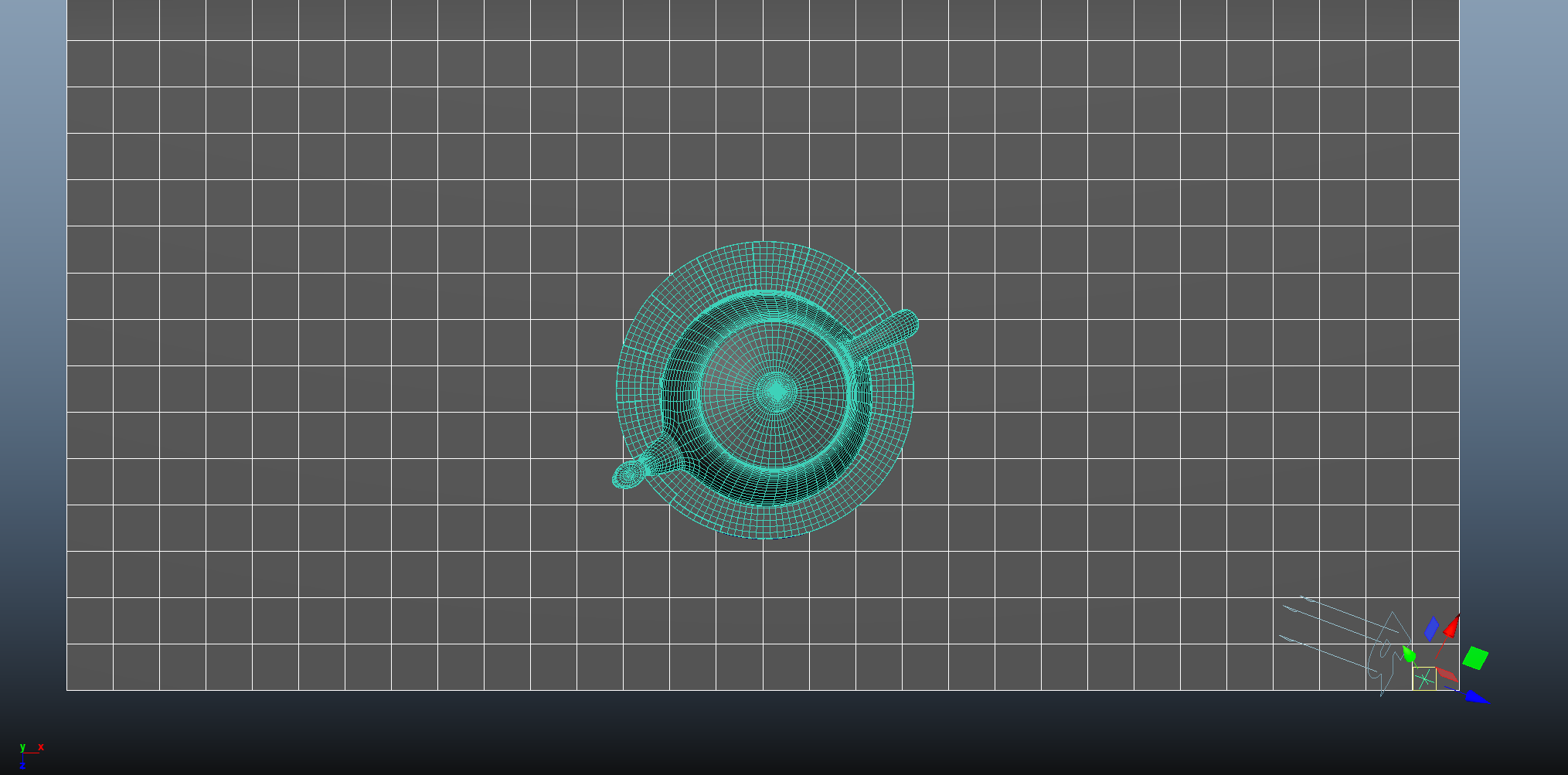
The lighting setup of this scene is composed of a single light source. There is an additional locator attached to the light source and moves with it. This locator is used is the direction source for the PxrFacingratio node.
The facing ration node control a PxrRamp node spline map. The ramp node itself will have varying colors based on the angle from the light source, instead of the default camera node.
2. Material Setup
The PxrManifold arrangement along with the two fractal nodes is the standard setup for all of my stylized shading looks. And they are the standard for all of the artistic presets in this pack.
For Maya I have created scripts that either plug a PxrManifold2D into an existing PxrStylizedControl or allows me to call out the attribute of PxrStylizedControl or PxrManifold2D from an object as I tweak those controls constantly while developing the looks. You can download these scripts from this github repo.
The shading network is controlled from the PxrStylizedControl node with:
PxrManifold2D as I’ll be driving the mapping of the brushes using the surface UV, and also to fine tune the the frequency of the hatching for individual objects.
A PxrFractal node to control the line thickness.
A PxrRamp node to vary the shading of the object based on the light position.
3. AOVs and LPEs
This look doesn’t utilize any additional custom AOVs or LPEs other than the default Stylized Looks AOVs
4. Stylized Layers
The color palette is driven by the PxrRamp node for each object. There is also a custom color for each line albedo in thePxtStylizedControl for each object. The display filter arrangement doesn’t include a PxrStylizedToon filter as the intended shading will utilize the diffuse channel throughout the look development.
To achieve the sketching look the display filters are composed of the following categories layered in order:
4x PxrStylizedHatching filters produce describe the sketching brush look
2x PxrStylizedLines filters to produce the desired line-work
1x PxrStylizedHatching filters for effects
These layers are showcased and described below:
0. Beauty Pass
1. PxrStylizedHatching - Crayon - Fill
2. PxrStylizedHatching - Crayon - Shading
3. PxrStylizedHatching - Crayon - Shadows
3. PxrStylizedLines - Curvature
4. PxrStylizedLines - Texture
5. PxrStylizedHatching - Line Texture
Render It Out.
Once all passes are set up, you are prepared to start rendering your childhood illustrations. Happy rendering!
Preset perfection? Show your appreciation!

Previous

Next