
Etch Lines
RenderMan Stylized Looks Presets | Etch Lines
This style simulates the fine lines and crosshatching techniques of traditional printmaking, almost suggesting the subtle textures of an etching plate. It creates a sense of depth and refinement with a unique tactile quality.
1. Scene Setup
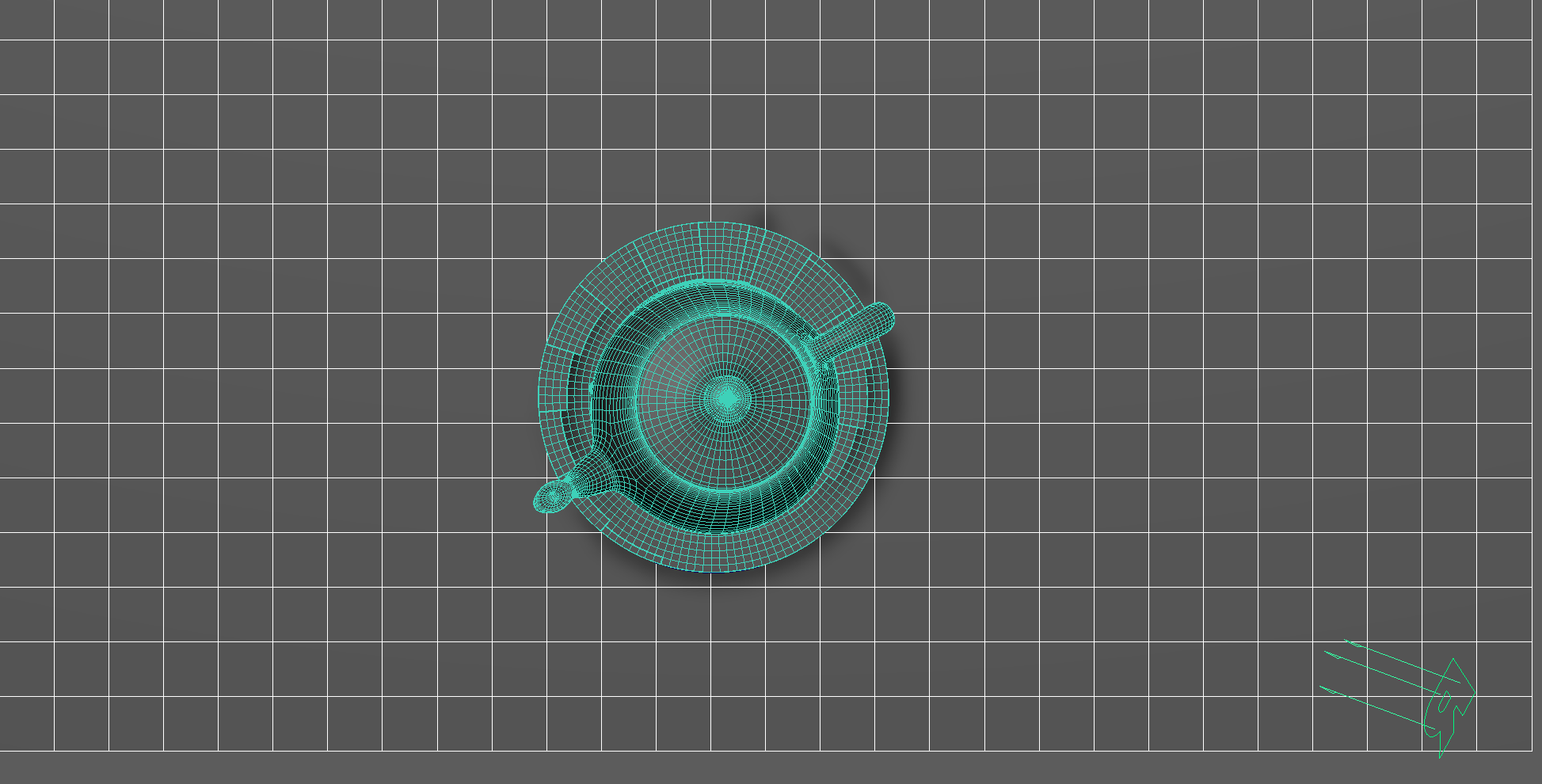
The scene setup is composed of a single light source with basic material applied for each object.
2. Material Setup
The PxrManifold arrangement along with the two fractal nodes is the standard setup for all of my stylized shading looks. And they are the standard for all of the artistic presets in this pack. I might add additional nodes such as the bump map to control the PxrStylizedToon output and various fractal or worley nodes to control the line width and line masking depending on the desired look.
For Maya I have created scripts that either plug a PxrManifold2D into an existing PxrStylizedControl or allows me to call out the attribute of PxrStylizedControl or PxrManifold2D from an object as I tweak those controls constantly while developing the looks. You can download these scripts from this github repo.
The color palette for this look is pretty uniform and is beige looking.
The shading network is controlled from the PxrStylizedControl node with:
PxrManifold2D as I’ll be driving the mapping of the brushes using the surface UV, and also to fine tune the the frequency of the hatching for individual objects.
A PxrFractal is plugged into the line thickness to vary the line width of our line art.
3. AOVs and LPEs
There are no additional AOVs or LPEs other than the default Stylized Looks AOVs.
4. Stylized Layers
The color palette for this style is Beige. So all surface materials share the same color without any difference in value or saturation.
To achieve the etching look the display filters are composed of the following categories layered in order:
2x PxrStylizedHatching filters produce describe the etching look
2x PxrStylizedLines filters to produce the desired line-work
1x PxrStylizedHatching filter for effects
These layers are showcased and described below:
0. Beauty Pass
1. PxrStylizedHatching - Etch
2. PxrStylizedHatching - Crayon - Texture
This layer softens the effect of etching and gives it the appearance of being drawn on paper without the need to use a Canvas. I like to use this type of technique sometimes when I don’t want the object to swim over the canvas. In essence have the textured look stick and travel with the object.
3. PxrStylizedLines - Curvature
4. PxrStylizedLines - Texture
5. PxrStylizedHatching - Line Texture
Render It Out.
Once all passes are set up, you are prepared to start rendering your childhood illustrations. Happy rendering!
Preset a hit? Donate to make more!

Previous

Next